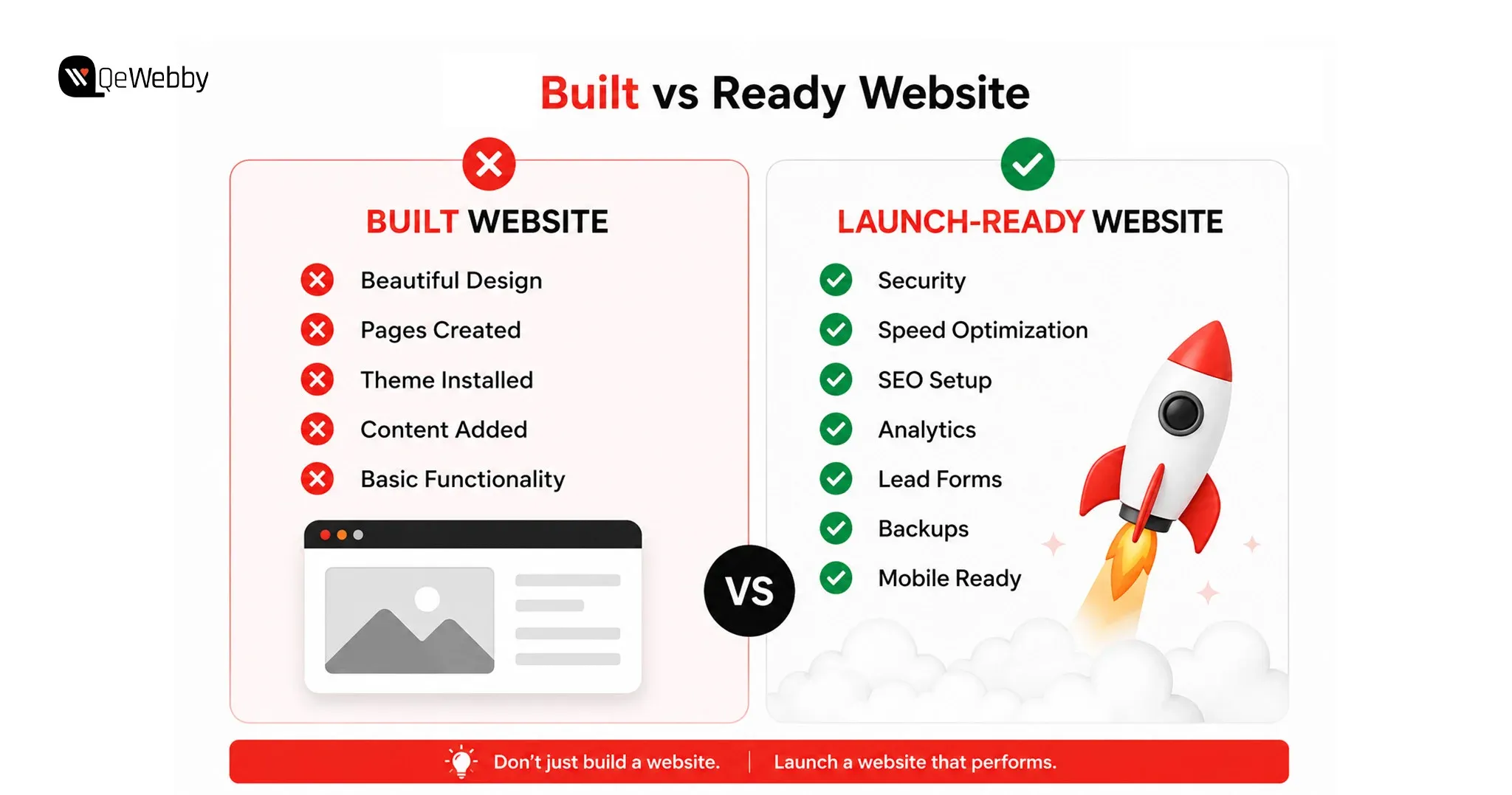
A client website is not built just to exist online. According to HubSpot, businesses that prioritize conversion optimization can significantly improve their ability to turn website visitors into leads. Small improvements in forms, CTAs, and user journeys can directly influence enquiry rates.
The website is built to help the business generate enquiries, bookings, sales, or conversations with potential customers.
This is where many websites fail.
They look professional, have impressive designs, and contain all the right information, but they make it difficult for visitors to take the next step. A missing contact form, unclear call-to-action, or broken enquiry process can turn valuable traffic into lost opportunities.
Lead generation should be treated as one of the most important WordPress features for client websites because it directly connects website performance with business outcomes.
Why Lead Capture Should Be Part of the Website Foundation
A common mistake is treating contact forms as a simple page element instead of a conversion system.
A well-designed website guides visitors toward action. It answers their questions, builds trust, and makes contacting the business simple.
For example, a visitor who lands on a service page should not have to search through the website to find a way to connect. The next step should be clear.
A strong lead capture setup includes more than just adding a form. Developers should consider where the form appears, what information it collects, how submissions are handled, and whether the client receives notifications properly.
Before handoff, every form should be tested from the user’s perspective.
Does the form submit correctly?
Does the client receive the enquiry?
Does the visitor get confirmation?
Small details like these often determine whether a website becomes a business tool or just an online brochure.
The Lead Generation Setup Every Client Website Needs
For most businesses, a simple and effective form works better than a complicated one.
Forms should collect only the information required to start a conversation. Asking for too many details can discourage visitors from completing the submission.
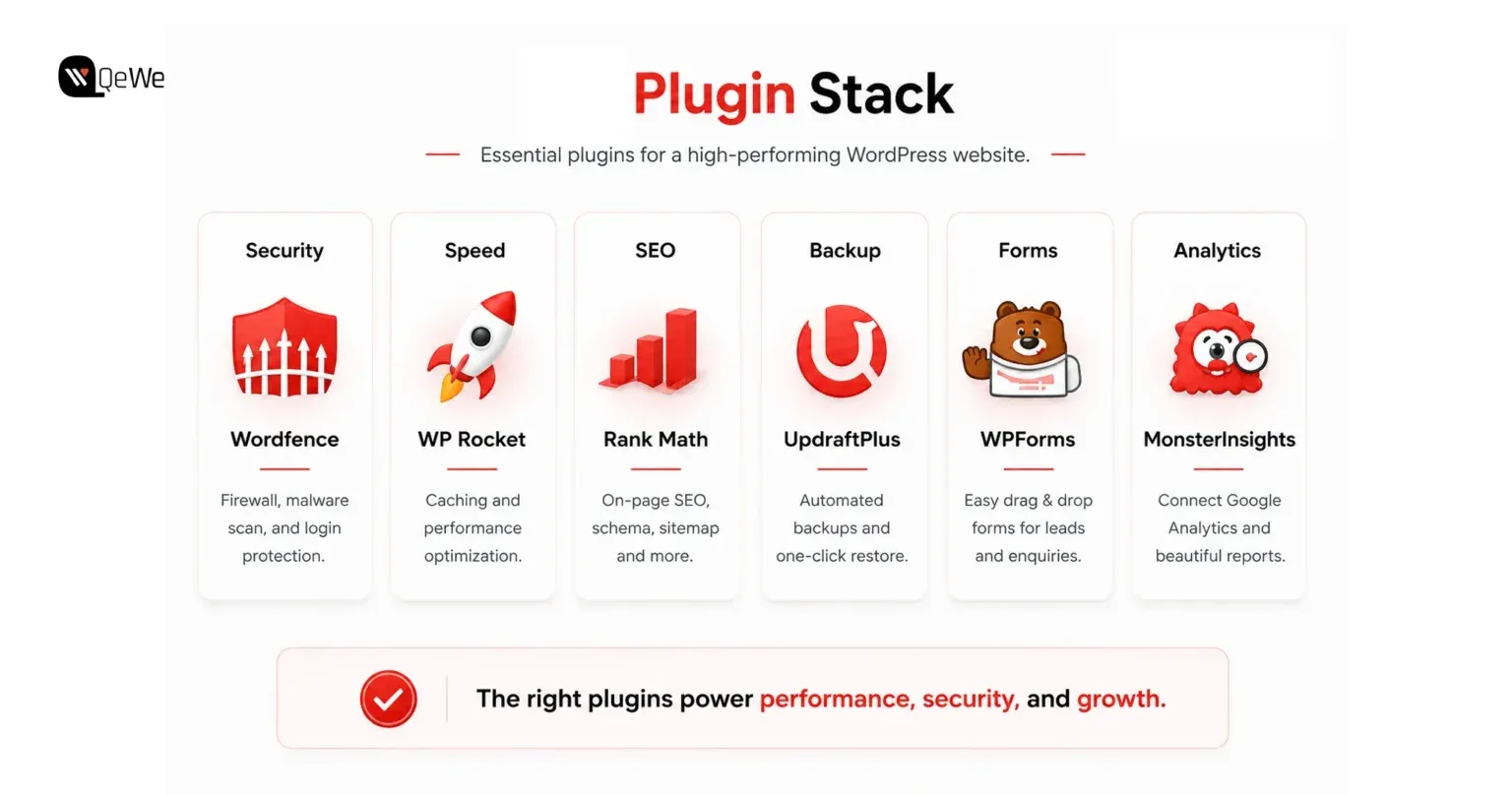
Plugins such as WPForms and Gravity Forms provide flexible options for creating professional contact forms.
A complete setup should include:
- A clear call-to-action placed on important pages
- Confirmation messages after submission
- Email notifications for the client
- Mobile-friendly form design
- Conversion tracking for submissions
Adding options like WhatsApp contact buttons can also improve accessibility, especially for businesses that receive customer enquiries through mobile devices.
A website’s success is not measured by how many people visit it. It is measured by what those visitors do next.