Step 1: Choose a Fast and Reliable Web Hosting Provider
When selecting a hosting plan, it’s important to understand the differences between shared, VPS, and dedicated hosting and their impact on website speed. Shared hosting is the most common and affordable hosting option, where multiple websites share the same server resources. Shared hosting can be slow and unreliable, as the server resources are divided among several websites.
VPS (Virtual Private Server) hosting is a more advanced hosting option that offers more control and better performance than shared hosting. VPS hosting involves dividing a single physical server into several virtual servers, each with its own resources and operating system. This ensures that the server resources are not shared among several websites, resulting in better performance and speed.
Dedicated hosting is the most advanced hosting option, where a single physical server is dedicated to a single website. It provides complete control over the server resources and offers the best performance and speed. However, it’s also the most expensive hosting option and may not be suitable for small businesses or websites with low traffic.
Shared Hosting
- Lowest cost
- Low performance
- Low security
- Restricted configurability
- Limited scalability
VPS Hosting
- Highest security
- High performance
- Highest configurability
- Mid-level cost
Dedicated Hosting
- Highest security
- Some configurability
- Mid-tier performance
- Mid-level scalability
- High cost
Understanding the differences between shared, VPS, and dedicated hosting and their impact on website speed can help you choose the hosting option that best suits your needs and budget. Some highly exercised hosting providers by our patrons include web hosting providers like GoDaddy, WPEngine, and SiteGround.
Step 2: Use a Lightweight and Optimized WordPress Theme
A theme with excessive features, complex code, and bloated scripts can significantly slow down your website, resulting in a poor user experience, low conversions, and reduced search engine rankings. A lightweight and optimized theme, on the other hand, can provide faster loading times, better performance, and improved user experience.
Highly recommended themes to consider while comparing a variety of others
- Astra Theme
- Elegant Themes-Divi
- Avada Themes
- Ocean WP Themes
- Uncode Themes
- Adios Themes
When evaluating the performance and optimization of a WordPress theme, several key factors should be considered, including page load time, page size, script optimization, and compatibility with caching plugins. Page load time is the time it takes for your website to load, and it should ideally be under three seconds. Page size is the amount of data that needs to be downloaded to load your website, and it should ideally be under 1 MB. Script optimization involves optimizing JavaScript and CSS files to reduce the amount of data that needs to be downloaded to load your website. Compatibility with caching plugins is essential for improving website speed, as caching plugins can help reduce server load and improve website performance.
Step 3: Optimize Images and Media Files
Images and media files are an essential part of any website, but they can also significantly slow down a website if they are not optimized. Large image and media files can increase the loading time of a website, resulting in a poor user experience and reduced search engine rankings. Therefore, it is crucial to optimize images and media files to improve website speed and performance.
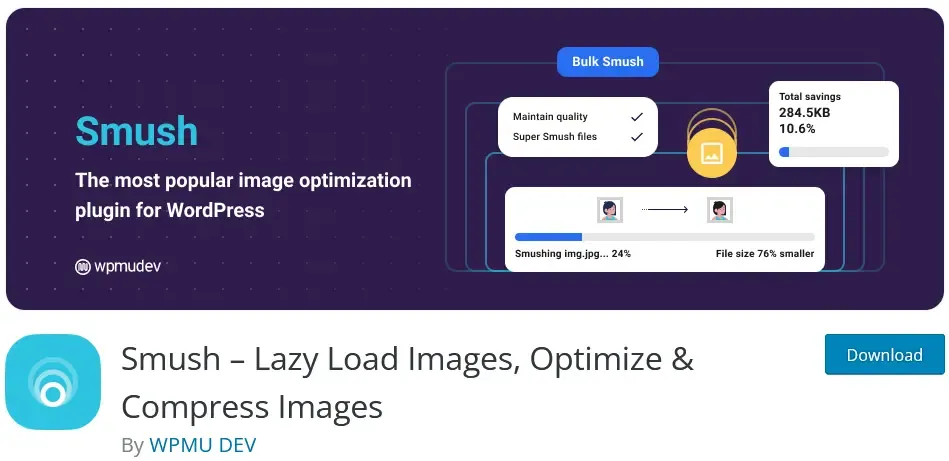
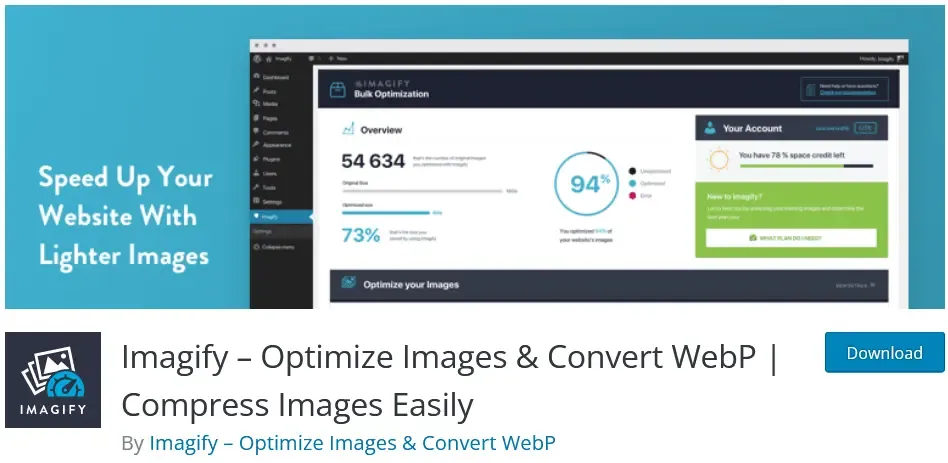
Several tools and plugins are available for optimizing images and media files on WordPress websites. These tools can compress, resize, and optimize images and media files to reduce their size without compromising their quality. Popular image optimization plugins for WordPress include Smush, ShortPixel, and Imagify. These plugins can automatically optimize images and media files on your website and reduce their size without compromising their quality.