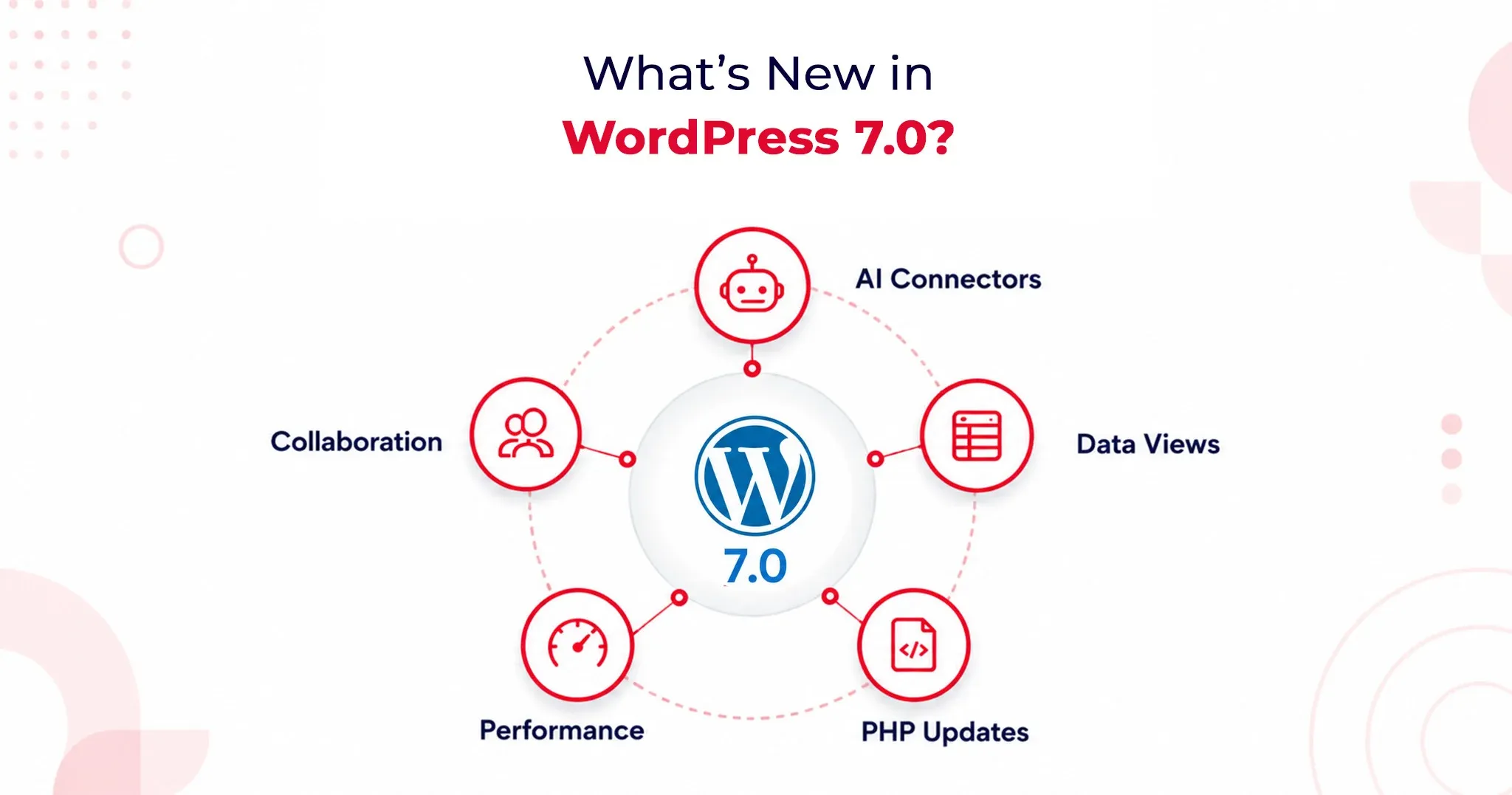
WordPress 7.0 introduces fundamental shifts in how the platform handles artificial intelligence, backend management, and team collaboration. Here is an optimized look at what you need to know about this landmark update.
1. AI Client and AI Connectors: A Provider-Agnostic AI Layer
WordPress 7.0 officially brings AI into the core experience by shipping a Web Client AI API. This establishes a standardized, deeply integrated interface that plugins and themes can use to connect to external AI providers.
According to WordPress.com’s official release documentation, the platform includes three pre-registered connectors right out of the box: OpenAI, Anthropic, and Google.
Why this matters:
- Vendor Neutrality: The core team deliberately avoided locking users into a preferred AI service. You aren't forced into a single model provider.
- Centralized API Management: Site administrators simply enter one API key per provider. Any plugin built against the AI Client can leverage that connection immediately without requiring a separate plugin-level setup.
- Future-Proofing: This design protects site owners from lock-in as the AI landscape shifts and gives developers a highly stable API surface to build against.
Practically, this streamlined setup powers features like:
- Smart content suggestions
- Auto-generated alt text
- One-click summarization
- Translation assistance
The Abilities API: Enterprise-Grade Security
To keep these powerful tools in check, WordPress 7.0 introduces the Abilities API. This defines exactly what AI tools are permitted to do within your installation.
Plugins must explicitly register their capabilities (e.g., creating posts, editing metadata, generating image descriptions). AI tools read these permissions in a structured way and operate strictly within defined boundaries. For enterprise site owners managing complex automation workflows, this boundary enforcement provides foundational security architecture, not just a convenience layer.
2. DataViews Admin Redesign: A Modern SaaS-Style Control Center
Say goodbye to WordPress’s classic PHP-rendered admin list tables. DataViews is a new React-based content management interface for posts, pages, media, and users. This redesign fundamentally alters how the backend behaves, not just how it looks.
The DataViews Upgrade:
- Zero Reloads: Filtering, sorting, and bulk editing happen instantly without a full-page reload.
- Seamless Toggling: Site administrators can fluidly switch between table, grid, and list views on the exact same screen.
- Instant Updates: Grouping by status, author, or category updates on the spot.
This operational speed saves measurable hours per month for teams managing large content libraries. By bringing the admin experience closer to modern SaaS workflows like Notion and Airtable, editorial teams no longer have to justify a clunky backend to stakeholders.
3. Notes and Editorial Collaboration
Editorial workflows are getting a massive asynchronous upgrade, though the highly anticipated live-editing feature has been pushed back.
Real-Time Co-Editing Delayed
Real-time collaborative editing was officially removed from WordPress 7.0 on May 8, 2026. The core team pulled the flagship feature after race conditions, fuzz testing failures, and server memory concerns under concurrent load made it unsafe to release at scale.
If you were planning to restructure your editorial workflow around live co-editing, you will need to look toward a future WordPress release.
What Shipped: The Block-Level Notes System
While live co-editing is delayed, the new block-level Notes system has successfully shipped, and it covers the vast majority of what editorial teams actually need daily.
Key Collaboration Features:
- Targeted Feedback: Editors can leave comments tied directly to specific blocks or text selections.
- Team Tagging: Easily loop in teammates using @mentions.
- Suggestions Mode: Propose changes that preserve the original text until the author explicitly accepts or rejects the edit.
This asynchronous collaboration model resolves major coordination friction without demanding the heavy WebSocket infrastructure that live co-editing requires from hosting environments.