There are several signs that indicate it’s time to scale your WordPress website. If you notice any of the following, it’s time to start planning for scalability:
1. Decreasing Website Speed
If your WordPress website starts to slow down, even with a minimal increase in traffic, it may be a sign that your current hosting or website structure can’t handle the growing demand. Slow page load times can frustrate users and impact SEO rankings. It’s a strong indicator that scaling is necessary to maintain performance.
2. Traffic Surges or Spikes
Unexpected traffic spikes, like those from a viral blog post, promotional campaigns, or seasonal peaks, can overwhelm your server if your site isn’t designed to handle high volumes of visitors. If you’re experiencing frequent traffic surges, it’s time to consider scalable hosting solutions and load balancing.
3. Website Downtime
Frequent crashes or downtime are major red flags. If your site is going down often, especially during high-traffic periods, your infrastructure is likely not equipped to handle the load. This is a clear indication that scaling is necessary to keep your site running smoothly.
4. Security Concerns
As your WordPress website grows, so does the complexity of managing security. If your site is increasingly targeted by attacks, or you’re handling sensitive user data, it’s crucial to implement better security measures. Scaling your WordPress website with improved security practices, such as SSL encryption, firewalls, and regular updates, will protect your business and users.
5. Higher User Engagement
If you’ve noticed an increase in user engagement, such as more sign-ups, purchases, or interactions, your WordPress website may soon become overwhelmed by the growing demand. A scalable infrastructure will help you manage this higher engagement and ensure the user experience remains smooth.
6. Frequent Plugin and Theme Conflicts
As your WordPress website grows and you add more plugins and themes, you may begin to experience compatibility issues. If plugins are conflicting with each other, causing crashes or slowdowns, it’s a sign your site may need to be optimized for better compatibility and scalability.
7. Limited Hosting Resources
If you’re using shared hosting and see that your WordPress website performance is deteriorating, you may have reached the limits of your server’s resources. If you’re running into frequent issues with CPU usage, memory limits, or bandwidth, it’s time to consider a more robust hosting solution, such as VPS or dedicated hosting.
8. Expanding Content or Features
As your site grows, you may add more content, products, or features. These changes can significantly increase the load on your server, especially if you’re managing a large amount of data. Proper scaling helps accommodate these additions while keeping your site fast and functional.
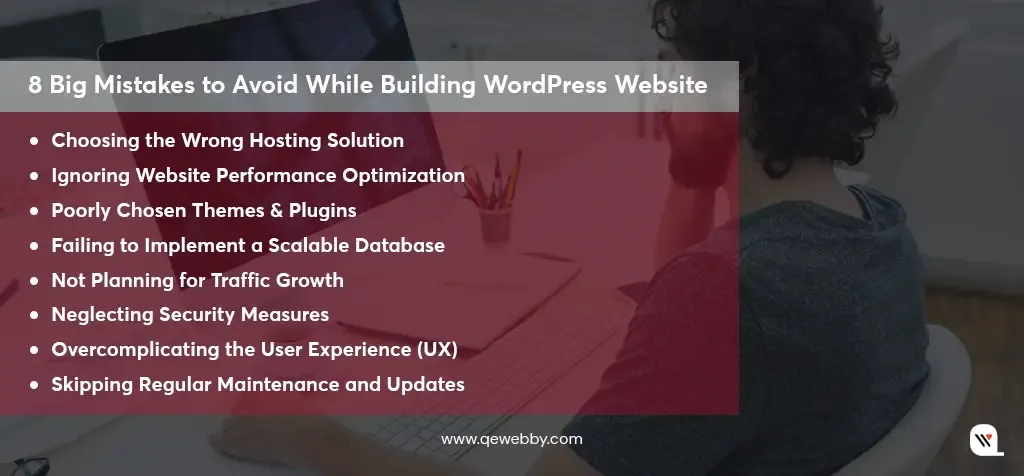
With the right strategies and infrastructure, your site can continue to perform at its best, even as your business expands. But as your WordPress website begins to grow, it’s easy to overlook some crucial aspects that can lead to bigger problems down the line. Check out the biggest mistakes that hurt scalability and share simple tips to help your site grow without the growing pains.